How we built our Convention AI demo (without writing a line of code)
A big thank you to everyone who came to our session at the Fundraising Convention on Thursday. It was brilliant to see so many of you give it a go.
As promised, here's a quick look behind the scenes at how we built the WhatsApp demo. You can see screenshots and me walking it through on the video.
If you’ve not tried it, then you can click this link to open WhatsApp and send us a message (remember to add your details to the message that is opened, don’t add it as a second message).
What we made
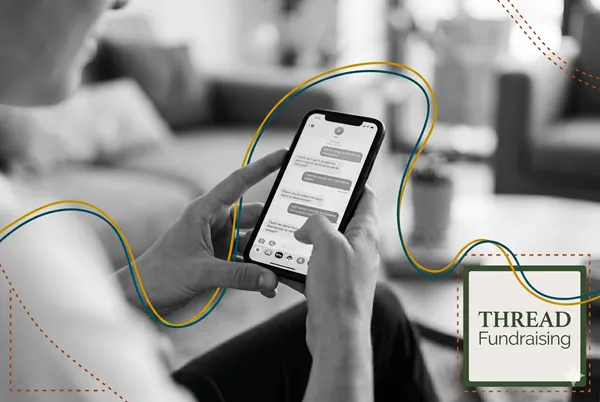
At Convention, people scanned a QR code. That opened a WhatsApp message. You added your name and a few details, hit send, and within seconds you got three messages back:
A voice note (in my own voice)
A picture
A little jingle
All of it personalised to you. Is it a bit gimmicky? Yes. But it works, and it shows what's possible and how you might adapt it to improve your own supporter experience.
How it works (the short version)
Here's the journey your message took:
It arrives. When your WhatsApp message lands in our Thread messaging platform, it fires off a "webhook." That's just a signal that says, "a message came in — do something."
It gets read. The workflow pulls out your name and what you wrote.
Claude writes your reply. We use Claude to turn your details into personalised content, guided by a detailed prompt — with examples, the right length, and the right tone.
It checks it's safe. A quick safety step makes sure nobody's slipped in anything rude or abusive. If it's clear, it carries on.
It makes the media. The voice note is made with ElevenLabs (I cloned my own voice). The image and jingle come from Wave Speed, a service that lets you tap into loads of different AI models in one place. An image costs about 3-5p; a 8 second video, 30 to 35p.
It sends it back. The files are hosted on Cloudinary to create a shareable link, that link goes back to Thread, and your messages is sent based on an automation workflow.
I stitched the whole thing together in a tool called n8n, which connects all these apps so they talk to each other.
If that list looks complicated… that's because it is. Which brings me to the best bit.
Here's the secret: I didn't build it. Claude did.
I'm not technical. I didn't write that workflow by hand.
I told Claude (and Claude Code) what I wanted. It asked me questions. It made suggestions. I disagreed with a few, gave feedback, and it changed them. Once we'd agreed, I said "build it" and it did.
My job was to check the work and add the logins (the API keys) for each tool. That's it.
And the cost? About 20p for the three messages, all in.
Why this matters
The demo is a bit of fun, but the point is bigger. The same approach works for the things that actually grow your fundraising: a warm welcome, a proper thank you, a milestone update that makes a supporter feel seen.
You don't need a big budget, a developer, or a long wait in the tech queue. You describe what you want, and you stay in charge.
If I can do it, you can do it.
Come and watch us build one live
On Wednesday 10 June, 12.30–1.30pm UK time, my co-host Anna Hessenbruch and I are running a free, one-hour webinar. We'll build a real charity tool live, in front of you. No code. No jargon.
Even better, you’ll get to choose what we try and build in the hour slot.
You'll leave with a plain-English idea of what "building with AI" really means, the two tools to start with, and honest answers on cost, safety, and what's realistic.
It's free. It's an hour. Bring your questions.
See you Wednesday.